

Skills
1
Define skill library
Settings → HR → Skills → create list of competencies relevant for your company:
- Technical:
Python,Figma,AWS,SAP, etc. - Soft:
Public speaking,Project management,Negotiation - Language:
English B2,Spanish A2
2
Assign to employees
For each employee, add skills from profile. For each, indicate level (e.g. Basic / Intermediate / Advanced / Expert).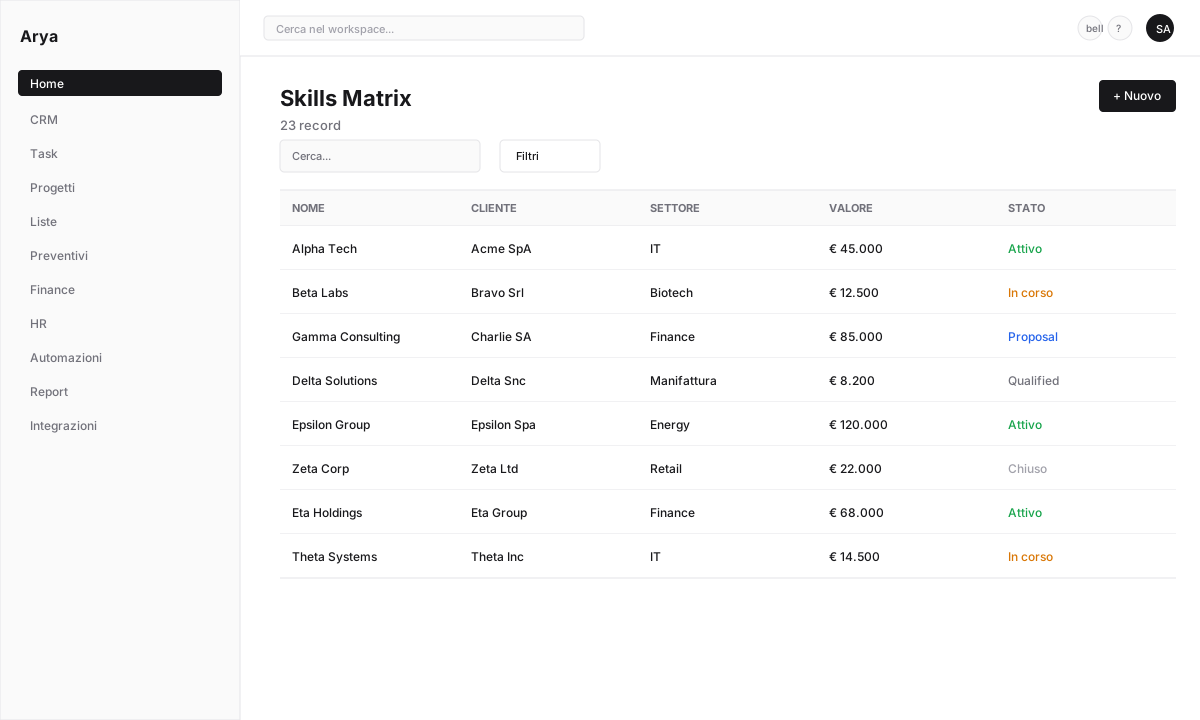
3
Self-assessment
Employees can update their own skills (requires manager validation).
Certifications
Unlike skills, certifications have an expiry date and a physical certificate (PDF):1
Add certification
From employee profile → Certifications → + New. Name (e.g. “AWS Solutions Architect”), issuing body, date, expiry, attached PDF.
2
Expiry alerts
Arya notifies 30/60/90 days before expiry to employee + HR manager.
Common certifications examples
Skill matrix
Aggregated view: department × skill × level. Useful for:- Identifying gaps (critical skills without enough experts)
- Planning training
- Assigning people to projects
- Succession planning

Linked training
If you have a training system:- Assign courses to fill gaps
- Track completion
- Auto-update skills/certifications on completion
Frequently asked questions
Can I require manager verification for self-assessments?
Can I require manager verification for self-assessments?
Yes, “requires validation” flag on the skill. The manager confirms or corrects the level.
How do I handle certifications mandatory for a role?
How do I handle certifications mandatory for a role?
Define role requirements. Arya highlights employees not meeting requirements.