

Lesson 1 of 10 · ~4 minutes · Prerequisites: none
What you’ll learn
- How to create your company workspace
- Which company data to set up immediately
- How to invite colleagues and assign roles
Create the workspace
1
Sign up
Go to arya.so/signup and enter name, business email and password. You’ll receive a verification email — click the link to activate the account.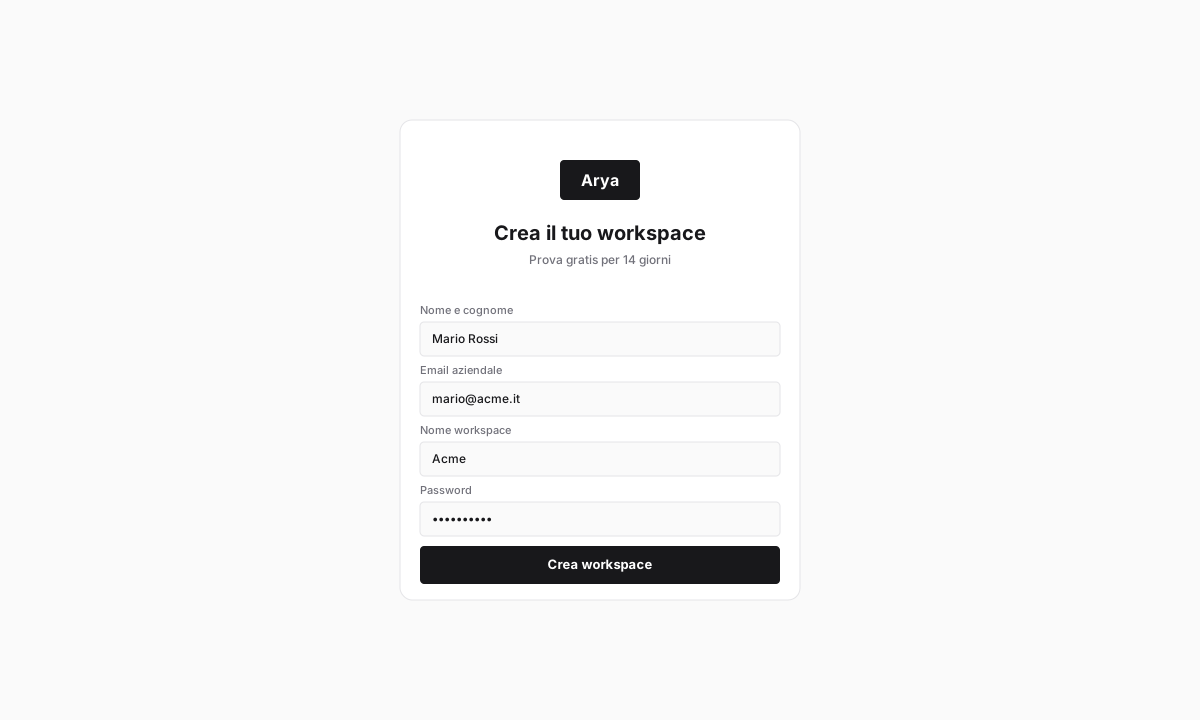
2
Name the workspace
Arya asks for the workspace name. Use your legal name or brand — it will be visible to the team and on public documents like quotes.
3
Fill company data
Enter legal name, VAT number (partita IVA), tax code (codice fiscale), registered address. For Italian operations, add the codice SDI or PEC email used for e-invoicing.
4
Pick currency and language
Default currency (EUR) and interface language. Both can be changed later from Settings → Workspace.
Invite the team
1
Open Settings → Team and roles
Click the profile icon top-right → Settings → Team and roles.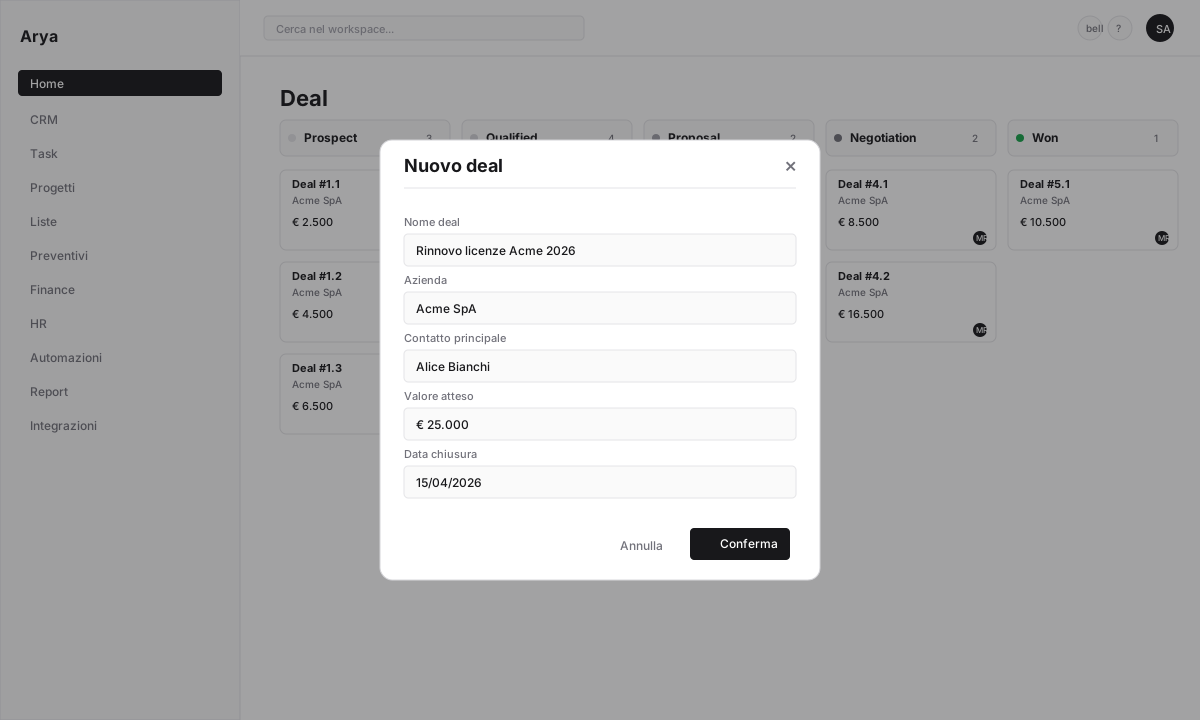
2
Invite members
Click + Invite member, enter one or more emails separated by commas. Arya sends an invitation email — the recipient accepts and sets a password.
3
Assign roles
For each invitee pick a role:
Roles can be changed at any time.
Verify
You created a workspace with company data filled in
You invited at least one colleague (or yourself with another email to test)
You know where to find workspace settings
Next lesson
Lesson 2 — Objects and records
Learn how Arya models your data: deals, companies, contacts, projects.