

Lesson 4 of 10 · ~5 minutes · Prerequisite: Lesson 3 — Attributes
What you’ll learn
- The difference between static list and dynamic list
- How to save a view with filters and sorting
- How to share views with your team
List, view, filter
Three separate but related concepts:
A list can have multiple views. A view is always filtered by specific criteria.
Static vs dynamic list
Static list — You choose which records to include. Useful for:- Email campaigns to hand-picked contacts
- Top customers to follow manually
- Onboarding cohorts
Deals > €50k openNew companies this monthOverdue unpaid invoices
Create a dynamic list
1
Open Lists
Click Lists in the sidebar. Existing lists are grouped by object.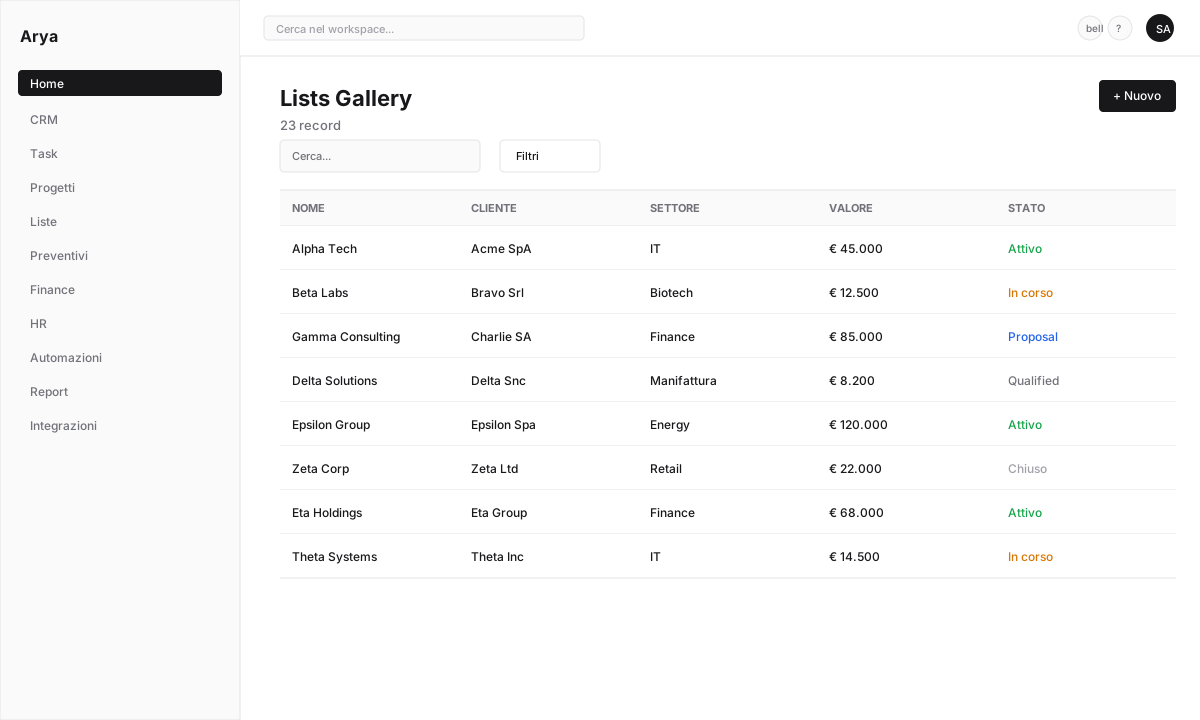
2
New list
Click + New list. Pick an object (e.g.
Deal) and a name (e.g. Hot deals Q2).3
Set dynamic filters
Select Dynamic. Add conditions:
Stage = NegotiationValue > 20000Owner = me
4
Customise columns
Choose which attributes appear as columns: name, company, value, stage, close date. Drag to reorder.
5
Save
The list is available under Lists and can be pinned to the sidebar.
Save a custom view
Besides lists, you can save views inside each module. CRM example:1
Open CRM and filter
Go to CRM → Deals. Apply filters (e.g. close date this week, owner = me).
2
Switch visualisation
Switch between Kanban / Table / Calendar from the top selector.
3
Save view
Click Save view and name it (e.g. 
My weekly closes).4
Share with team
A view can be private, team or public in workspace. Shared views stay in sync for everyone.
Spreadsheet view
Arya’s table view is inline-editable: click a cell to modify without opening the record. Excel-like shortcuts:Tab/Shift+Tab: next / previous cellEnter: commit and move downCtrl+C/Ctrl+V: copy / pasteShift+click: range select for bulk edits
Verify
You know the difference between static and dynamic lists
You created a dynamic list with filters
You saved a view and know how to share it
Next lesson
Lesson 5 — CRM and sales pipeline
Create a deal, drag it through the Kanban pipeline, close your first sale.