


Analysis dimensions
Per project
Budget vs actual, margin %, completion %. See Projects.
Per customer
YTD revenue, average margin, DSO, lifetime value.
Per product/service
Sold, cost, margin, trend over time.
Per cost centre
Department (sales, operations, R&D) — cost and revenue allocation.
Per rep/seller
Commissions, commercial performance.
Per channel
Retail, web, partner, field sales — comparative profitability.
Budget
1
Set annual budget
Finance → Budget → + New budget. Pick dimension (project, cost centre, P&L line).
2
Enter monthly targets
For each line (revenue, costs) set monthly targets.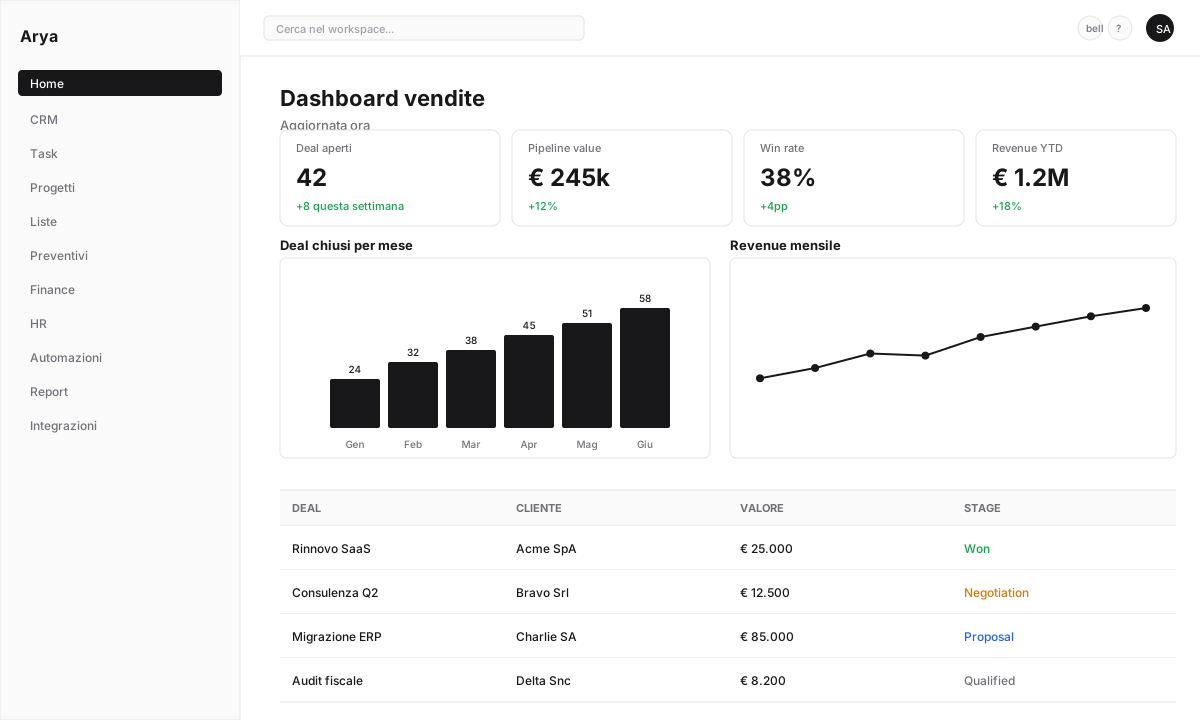
3
Monitor actual vs budget
Dashboard with variances (€ and %), red/yellow/green indicators.
Indirect cost allocation
Overhead costs (rent, IT, HR) must be allocated to projects or cost centres for correct margins.Manual allocation
Manual allocation
Insert periodic allocation lines: “30% rent to project X, 70% to project Y”.
Automatic allocation by criteria
Automatic allocation by criteria
Configure a rule: “Overhead costs distributed proportionally to each project’s revenue”.
Full costing
Full costing
Arya applies standard methods (ABC, per direct hours, per revenue) per your choice.
Contribution margin
For profitability analysis, Arya computes:Default KPIs
Gross margin %
Gross margin on revenue
EBITDA
Operating margin before amortisation and interest
DSO
Average days to collect
DPO
Average days to pay
Cash conversion cycle
Working capital cycle
Revenue per employee
Revenue per headcount
Scenarios and simulations
1
Create scenario
Finance → Scenarios → + New scenario → duplicate current budget.
2
Edit variables
Change individual lines (e.g. “+5% new customer revenue”, “-10% raw material cost”).
3
Compare
See impact on EBITDA, net income, cash flow.
Board export
Generate a management reporting dashboard pack for board, investors, banks:- PDF with KPIs and charts
- Excel with detailed data
- Prefilled slide presentation (customisable template)
Frequently asked questions
Can I have cost centre budgets?
Can I have cost centre budgets?
Yes, budgets can be defined at any level: company, cost centre, project, specific account.
Does Arya compute the break-even point automatically?
Does Arya compute the break-even point automatically?
Yes, from the Management Dashboard → Break-even: calculated from fixed costs and contribution margin.
How do I handle What-If analysis?
How do I handle What-If analysis?
Use scenarios (duplicate budget, modify, compare). You can save multiple scenarios simultaneously (best case, worst case, target).