

Lesson 7 of 10 · ~6 minutes · Prerequisite: Lesson 6 — Tasks and projects
What you’ll learn
- How to create a quote in the three available formats
- How to send it via public link and track views
- How to convert it into a fattura elettronica (Italian e-invoice) sent to SDI
The three quote types
Arya lets you choose between three formats:Classic
Static, clean PDF in traditional offer style. Good for RFPs and formal requests.
Clauses
Contract with mandatory/optional clauses and qualified digital signature. For sales with legal terms.
Sales Room
Interactive web page with sections, video, pricing, FAQs, testimonials. For complex consultative sales.
Create a quote
1
From deal or project
Open the deal (or project) → Quotes tab → + New quote.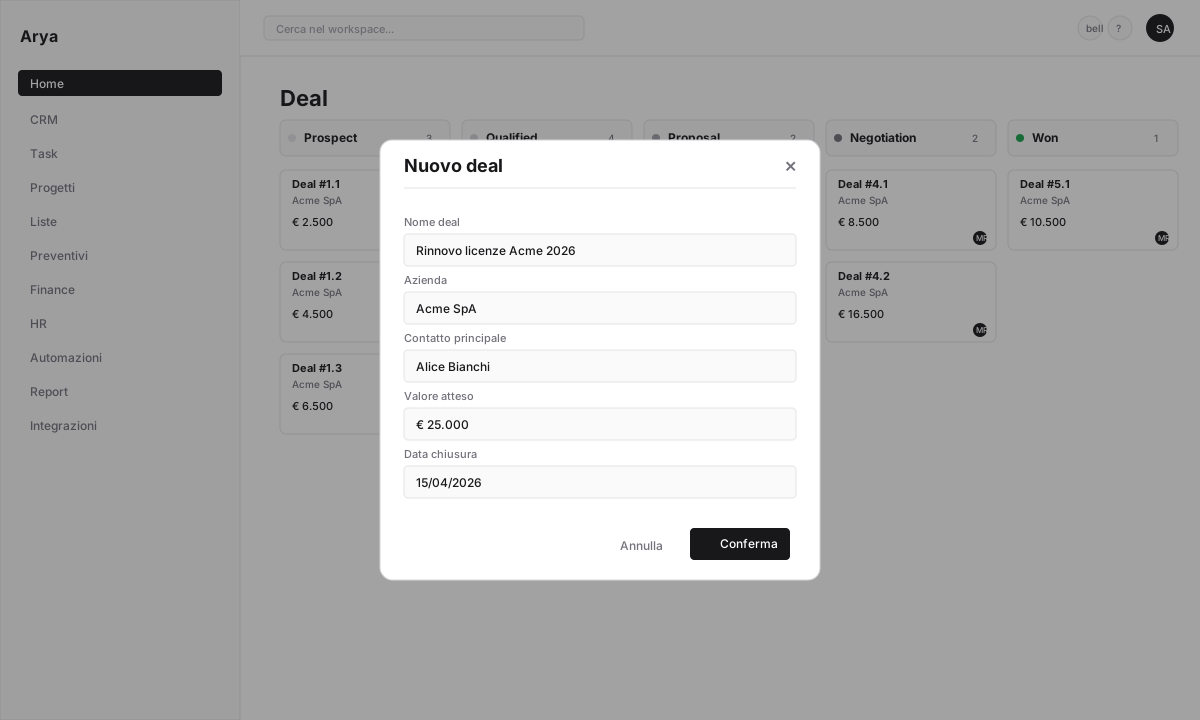
2
Pick type and template
Select
Classic, Clauses or Sales Room. Choose a template or start from scratch.3
Add line items
Pick products/services from the price list or insert free-form lines. For each line:
- Quantity
- Unit price (prefilled from the price list)
- Discount (%, amount, or per row)
- VAT rate (IVA; default 22%)
4
Customise
Add notes, payment terms, offer validity, clauses (for
Clauses) or multimedia sections (for Sales Room).5
Generate public link
Click Publish. Arya generates a unique URL (e.g.
arya.so/q/ab12cd34) you can send via email, WhatsApp or any channel.Tracking
Every time the customer opens the link, Arya records:- When they opened it
- Time spent on each section
- Which videos they watched, which FAQs they expanded
- If they accepted, rejected or requested changes
Draft → Sent → Viewed → Accepted / Rejected / Expired.

Convert to invoice
When the customer accepts:1
Quote accepted
Arya notifies you and sets status to
Accepted. If configured, the linked deal automatically moves to Won.2
Convert to invoice
From the quote click Convert to invoice. Arya creates a new invoice with:
- Customer data from the company
- Line items, discounts, VAT from the quote
- Automatic numbering in your series
3
Verify
Check that codice SDI or PEC of the customer are correct. Add payment data (IBAN, method).
4
Issue
Click Issue invoice. If the SDI integration is active (Acube, FatturaInCloud), Arya sends the XML file to the Sistema di Interscambio (Italy’s official e-invoicing hub). Otherwise the invoice stays in 
Draft for manual sending.Payments and schedule
Once issued, the invoice enters the payment schedule with its due date. When the customer pays:- Manual: from the invoice click Record payment, enter date and amount
- Automatic: with bank integration active, Arya reconciles invoices with incoming bank transactions
Verify
You created a quote in one of the three formats
You sent a public link (to yourself for testing is fine)
You know how to convert an accepted quote into an e-invoice
Next lesson
Lesson 8 — Your first automation
Build a workflow: “deal won → create project + Slack notification + customer email”.