> ## Documentation Index
> Fetch the complete documentation index at: https://docs.arya.so/llms.txt
> Use this file to discover all available pages before exploring further.
# Lesson 9 — Reports and dashboards
> Build custom dashboards, ask Arya for insights in natural language.
**Lesson 9 of 10** · \~5 minutes · Prerequisite: [Lesson 8 — Automations](/en/arya-101/lesson-8-automations)
## What you'll learn
* How to build a dashboard with multiple charts
* How to use Arya Report Chat for natural-language analysis
* How to share reports publicly or schedule email delivery
## Create your first dashboard
Click **Reports** in the sidebar → **+ New dashboard**.
Click **+ Add chart**. Pick:
* **Data source**: object (e.g. `Deal`) or list
* **Chart type**: bar, line, pie, table, KPI card, funnel, Gantt
* **Metric**: `sum of value`, `count`, `average duration`
* **Group by**: dimension (e.g. `stage`, `owner`, `close month`)
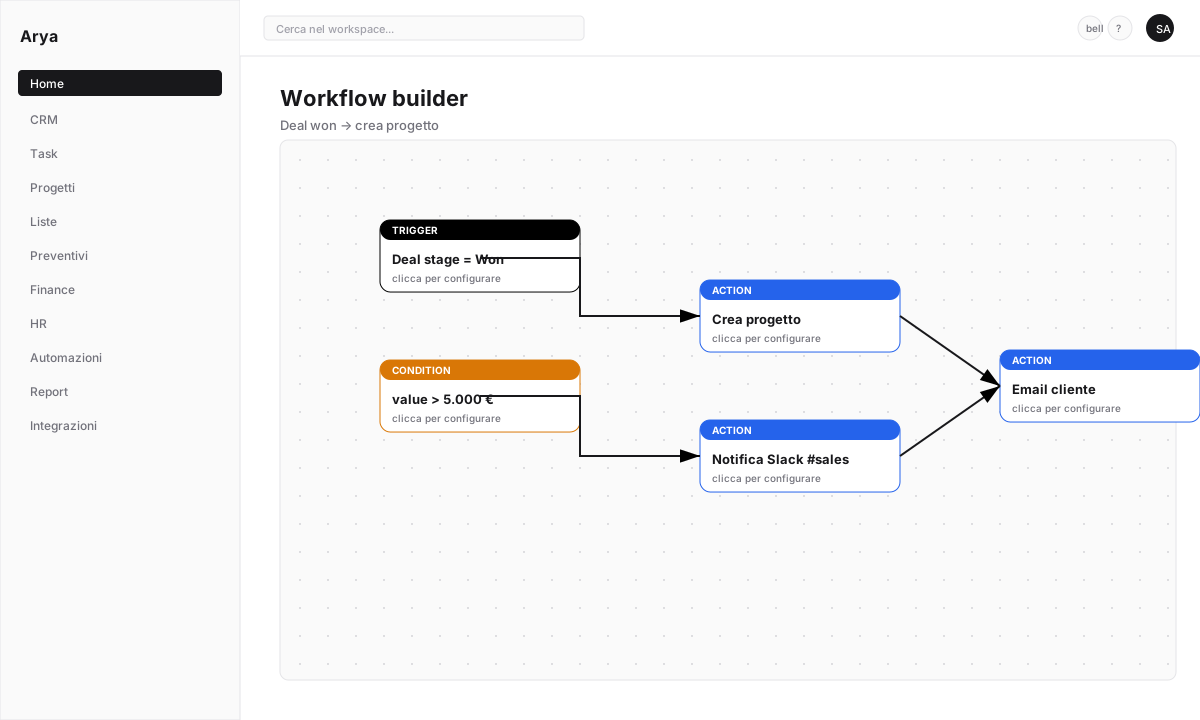 Dashboard filters apply to every chart: date range, owner, team. Change the filter at the top → all charts update.
Group charts into collapsible sections (e.g. "Pipeline", "Conversion", "Revenue"). Drag to reorder.
You can save multiple layouts of the same dashboard (e.g. "Weekly view", "Quarterly view") and swap between them.
## Ready-made templates
Instead of starting from scratch, Arya offers prebuilt dashboards:
* **Sales pipeline** — deal distribution by stage, forecast
* **Task analytics** — team productivity, tasks completed vs overdue
* **Customer health** — recent activity per customer
* **Revenue** — revenue by month, product, customer
* **Leaderboard** — sales ranking on configured metrics
Click **+ New dashboard → Use template** and customise.
## Arya Report Chat
Every dashboard has an **Ask Arya** button. Ask in natural language:
> *"Why is Q2 down 15% vs Q1?"*
Arya analyses the data, finds patterns and replies with text + inline charts. Useful prompts:
* *"Which stage do I lose most deals at?"*
* *"Who are the 5 customers with highest revenue this year?"*
* *"Has average close time increased or decreased?"*
* *"Flag anomalies in recurring revenue."*
Dashboard filters apply to every chart: date range, owner, team. Change the filter at the top → all charts update.
Group charts into collapsible sections (e.g. "Pipeline", "Conversion", "Revenue"). Drag to reorder.
You can save multiple layouts of the same dashboard (e.g. "Weekly view", "Quarterly view") and swap between them.
## Ready-made templates
Instead of starting from scratch, Arya offers prebuilt dashboards:
* **Sales pipeline** — deal distribution by stage, forecast
* **Task analytics** — team productivity, tasks completed vs overdue
* **Customer health** — recent activity per customer
* **Revenue** — revenue by month, product, customer
* **Leaderboard** — sales ranking on configured metrics
Click **+ New dashboard → Use template** and customise.
## Arya Report Chat
Every dashboard has an **Ask Arya** button. Ask in natural language:
> *"Why is Q2 down 15% vs Q1?"*
Arya analyses the data, finds patterns and replies with text + inline charts. Useful prompts:
* *"Which stage do I lose most deals at?"*
* *"Who are the 5 customers with highest revenue this year?"*
* *"Has average close time increased or decreased?"*
* *"Flag anomalies in recurring revenue."*
 Arya Report Chat consumes AI credits. See [Lesson 10](/en/arya-101/lesson-10-ai-and-aryachat).
## Public and scheduled reports
### Public link
Generate a read-only link to a dashboard for investors, customers, external stakeholders. No login needed, no access to underlying records.
Check what you're sharing. Displayed data reflects filters at link creation time — anyone who opens it sees them.
### Scheduled delivery
Configure Arya to email a dashboard snapshot to a mailing list:
* Frequency: daily, weekly, monthly
* Format: PDF or inline image
* Predefined filters (e.g. "this week only")
Perfect for the team weekly report, monthly exec report, investor KPI dashboard.
## Exporting
Each chart or full dashboard can be exported as:
* **PDF** — full layout with branding
* **Excel / CSV** — tabular data
* **PNG image** — single chart
## Verify
You built a dashboard with at least two charts
You asked Arya Report Chat for an analysis
You know how to generate a public link or schedule delivery
## Next lesson
Final lesson: get the most out of Arya's AI.
Arya Report Chat consumes AI credits. See [Lesson 10](/en/arya-101/lesson-10-ai-and-aryachat).
## Public and scheduled reports
### Public link
Generate a read-only link to a dashboard for investors, customers, external stakeholders. No login needed, no access to underlying records.
Check what you're sharing. Displayed data reflects filters at link creation time — anyone who opens it sees them.
### Scheduled delivery
Configure Arya to email a dashboard snapshot to a mailing list:
* Frequency: daily, weekly, monthly
* Format: PDF or inline image
* Predefined filters (e.g. "this week only")
Perfect for the team weekly report, monthly exec report, investor KPI dashboard.
## Exporting
Each chart or full dashboard can be exported as:
* **PDF** — full layout with branding
* **Excel / CSV** — tabular data
* **PNG image** — single chart
## Verify
You built a dashboard with at least two charts
You asked Arya Report Chat for an analysis
You know how to generate a public link or schedule delivery
## Next lesson
Final lesson: get the most out of Arya's AI.